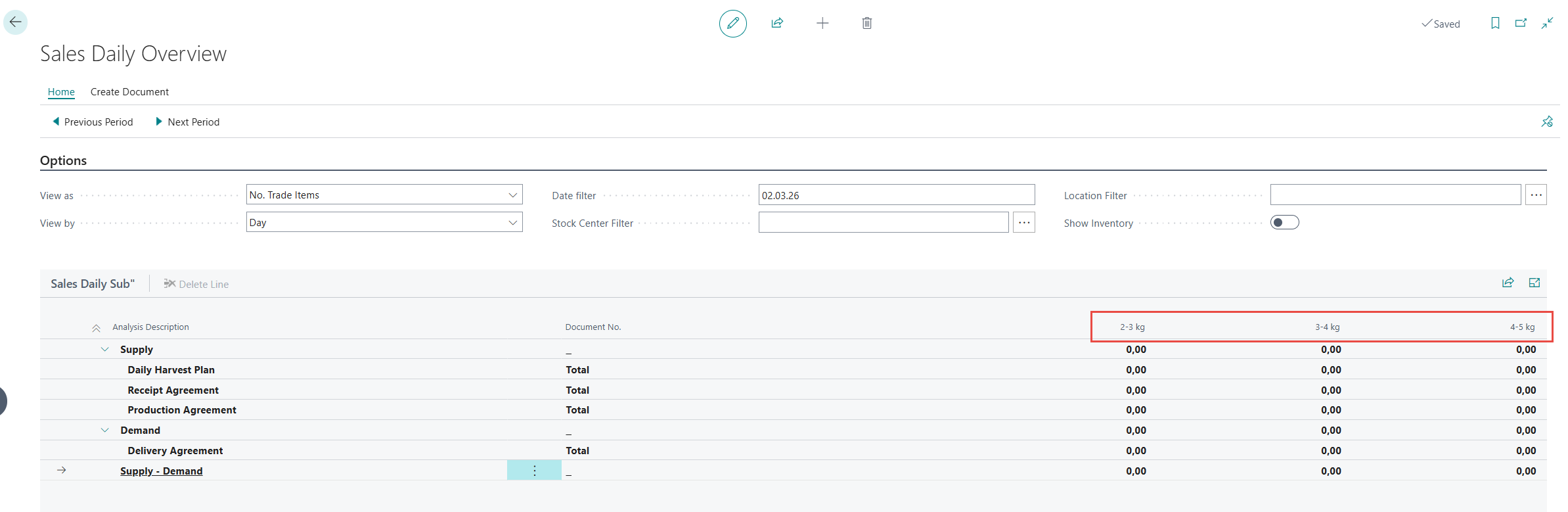
Sales Daily Items configuration sets which products appear in the Sales Daily Overview for quick access and monitoring.
Navigate to Sales Daily Items setup. You can add up to 20 items.

-
Column Id - Specifies the display order of items.
-
Description - Used for display; users can simplify the description.
-
Use Desc. For Column Header - Enable to use the new Description in column headers; if blank, the Item no. displays.
Configured items appear as columns in the Sales Daily Overview.