
Business Central
-
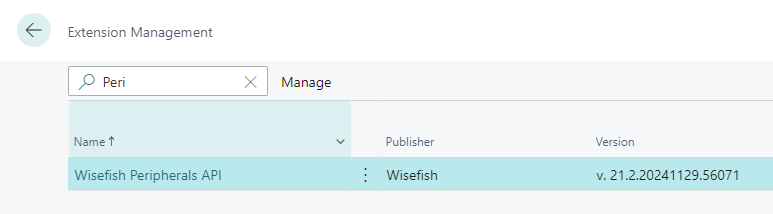
Install the application called Peripherals API.
-
See subpage Business Central Settings about how to configure the system for Stream.
-
Register the Wisefish Customer Connector Entra Application in Business Central if you are using Business Central in cloud.
Stream Application
Wisefish Stream is now published on the Microsoft Store (Windows) and Google Play (Android). The store listings are the recommended way to install the app and keep it up to date automatically.
Android
Install Wisefish Stream Handheld from Google Play (or search for “Wisefish Stream Handheld” in the Play Store), then download and install the app.
Windows
Recommended: Install Wisefish Stream from the Microsoft Store. It installs and updates automatically.
Manual install (TEST / internal builds):
-
Download the latest MSIX file.
-
Double click it and select install or update.
-
When installation has completed then the application has launched and you can continue by connecting to the instance of your choice.