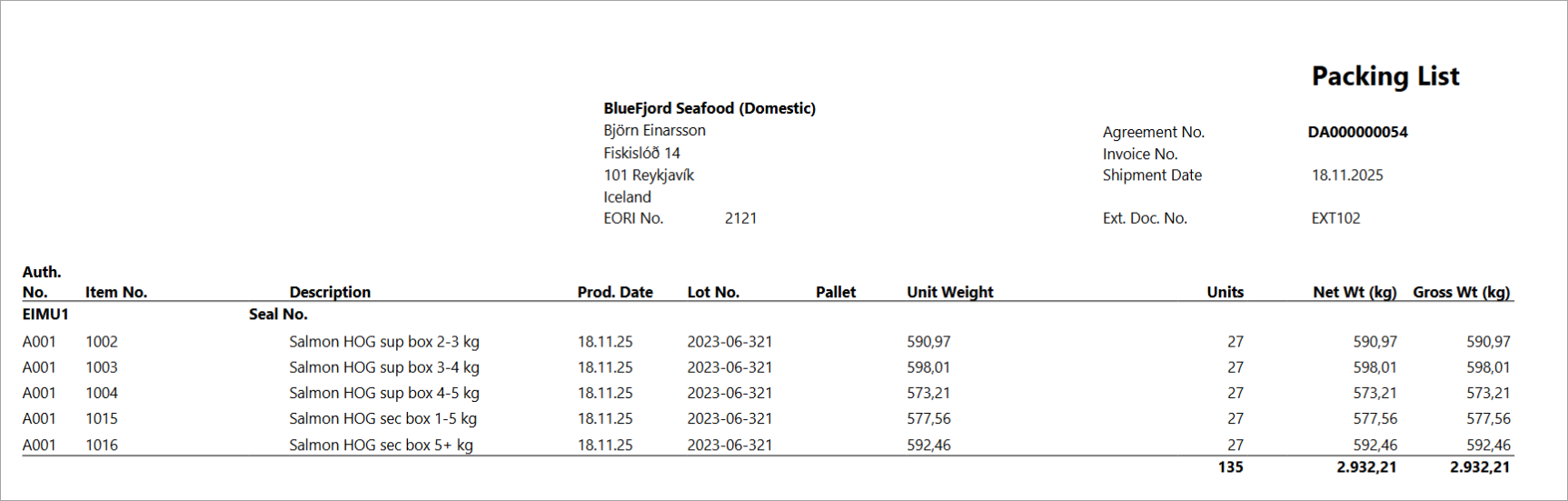
The Packing List report lists every trade items included in a delivery agreement, grouped by container and pallet, and shows the net weight, gross weight, unit count, lot traceability information and tariff numbers.
How to run the report
The packing list report is run from the Delivery Agreement.
-
Navigate to Delivery Agreement page.
-
Click on Print/Send then select Shipping menu.
-
Click on Packing List.
-
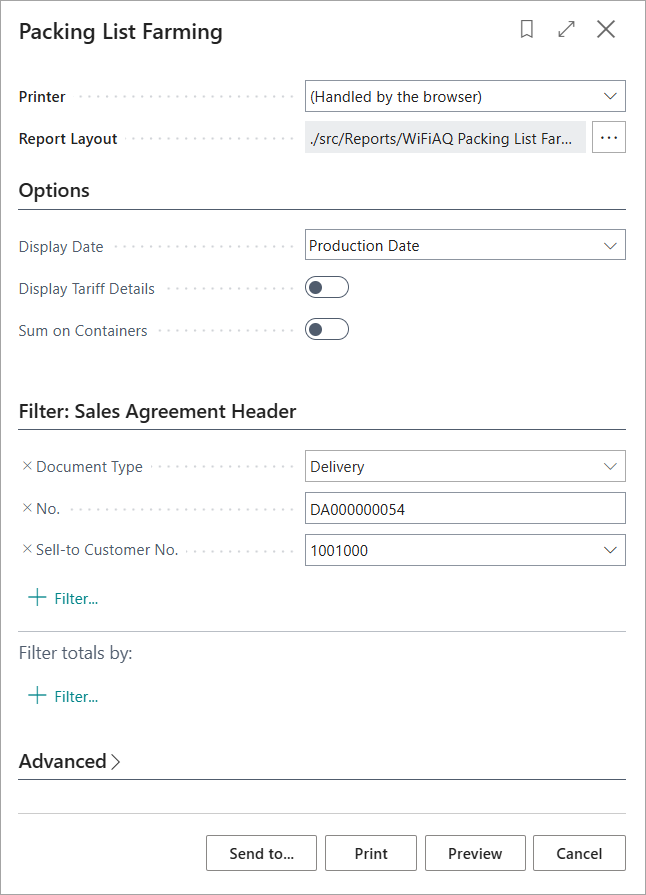
Report filter dialog opens.
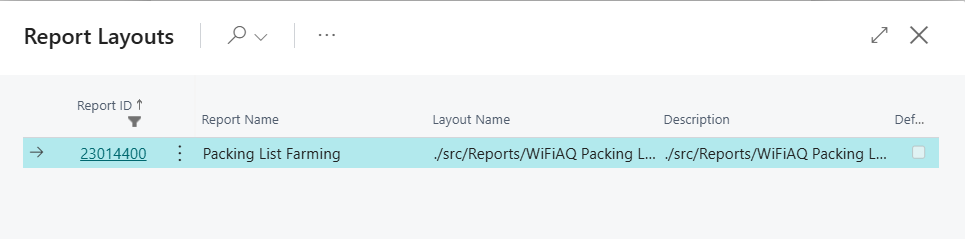
Make sure the correct report Id is selected in the Report Selection Agreement.
-
Enter the necessary parameter and click on Preview to view the reports. The report is generated as displayed in below screenshot.