
When a customer, vendor, or item that has extended text assigned is selected in a document, the text is automatically added. The user can remove, edit, or add additional text if needed.
If the text does not appear automatically in the agreement or document, it can be added manually using the Manage actions.
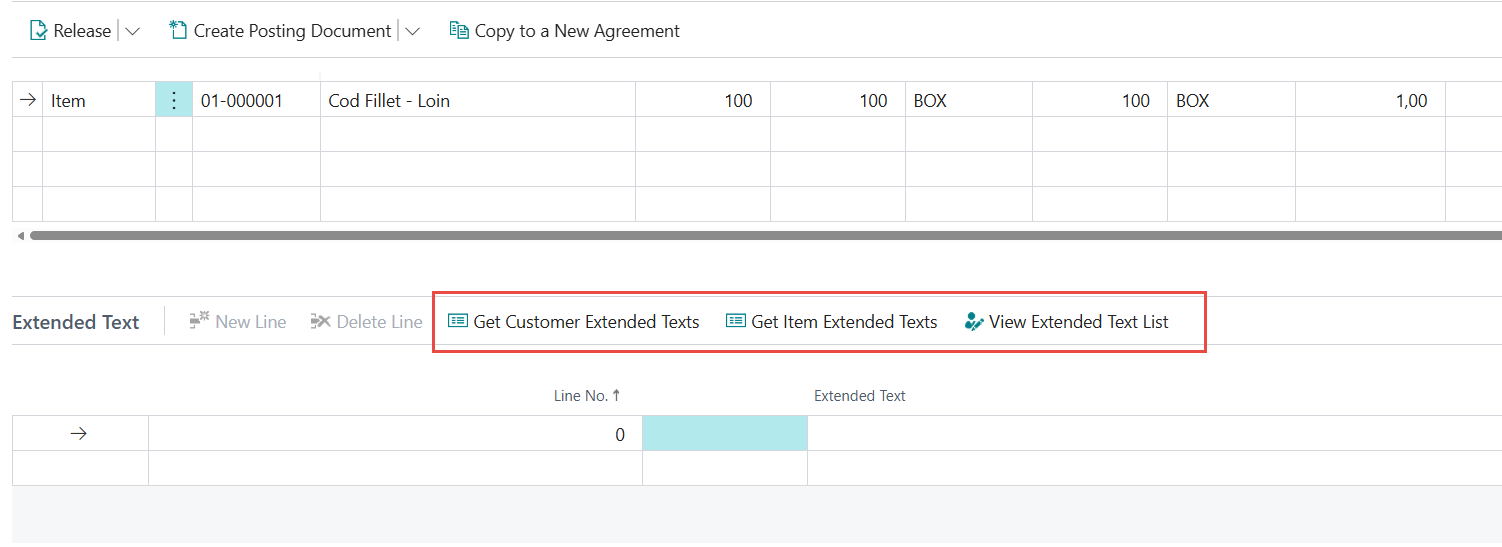
Available actions include:
-
Get Customer Extended Text
Retrieves extended text connected to the selected customer. -
Get Item Extended Text
Retrieves extended text connected to the items on the document lines. -
Get Vendor Extended Text
Retrieves extended text connected to the vendor.
(Note: Vendor text is only available on the purchase side of Wisefish.) -
View Extended Text List
Opens the WF Extended Text List, allowing the user to select one or more texts and click Link
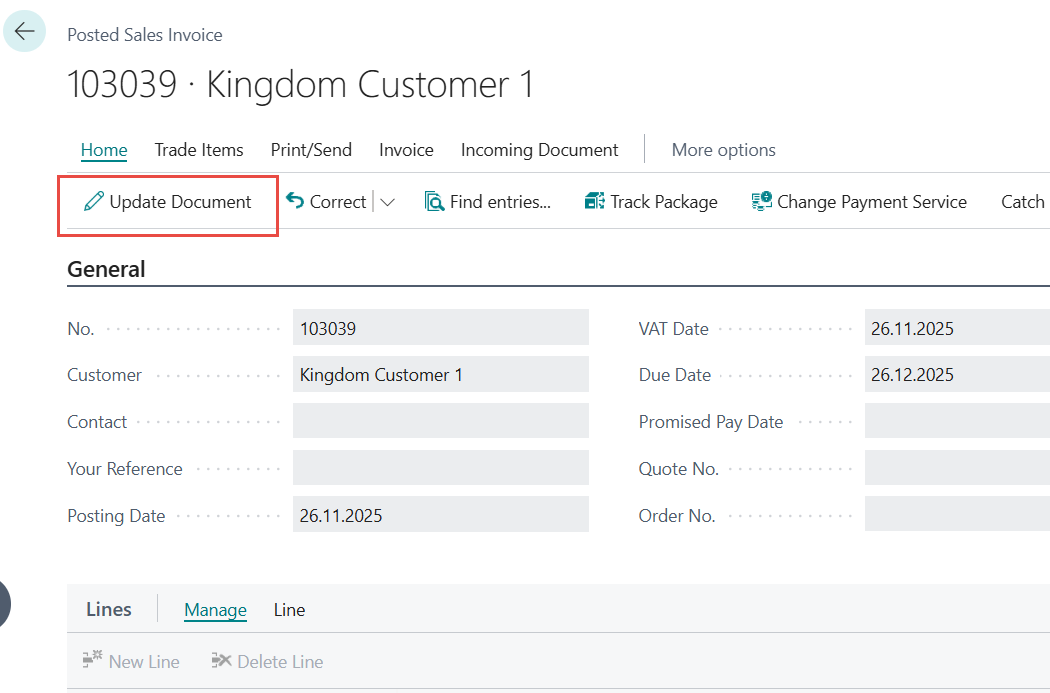
ℹ️ Once a sale invoice has been posted, the extended text in the document lines can no longer be edited directly. If changes are required after posting, the user must open Update Document and make the edits there.
Lengdir textar