
Once all of the relevant adjustments have been made, the landed fishing trip should be closed to finalize the record.
-
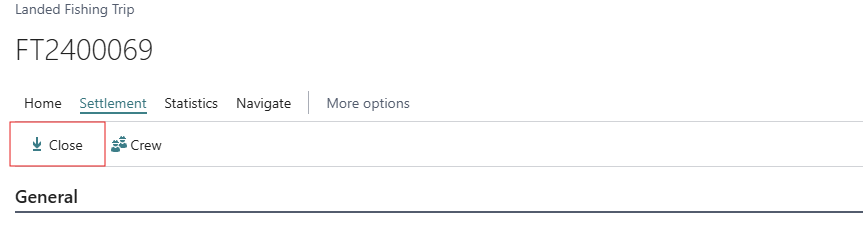
From the Landed Fishing Trip, click Close from the Settlement tab on the ribbon menu and confirm the action in the subsequent dialog box.
-
Before closing, a check is done to make sure that nothing is still pending in the adjustment journal for this trip. If there are unprocessed Raw Material, Production, or Product lines in the adjustment journal, Close is refused outright with an error and the trip cannot be closed until those adjustments are finished.
-
The system then checks whether all catch on the trip has been allocated:
-
For an own vessel, it compares the quantity of raw material not yet allocated against the quantity that has been allocated.
-
For an external vessel, it compares the quantity not yet allocated against the quantity purchased.
A confirmation is requested. In case some catch is still unallocated, the message: "You have NOT allocated all catch for closing. Do you still want to close the fishing trip?"
-
-
Once confirmed, the trip's status is set to Settled, and the trip moves to Fishing > Settled Fishing Trips.