
Schedules trips can be issued ahead of time. They can be issued, days, weeks or months ahead of time.
It is possible to use the Create Multiple Scheduled Trips action to pre-create scheduled trip for a designated shipping agent.
From the Scheduled Trip List click on Periodic Activities > Create Multiple Scheduled Trips.

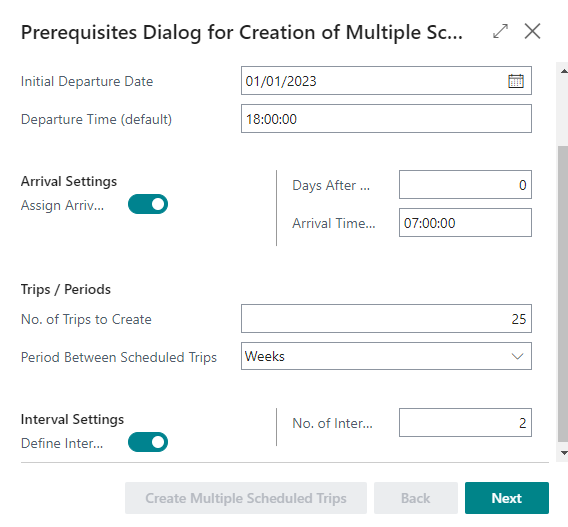
This action opens up a Wizard. The wizard is programmed to assists users through the creation of multiple trips with a step by step guide.
Fill in the fields and place a checkmark where applicable. It is required to fill out fields marked with red. Note that it depends on the company which fields and actions are required and/or being used.
Click on Next to go to the next page.
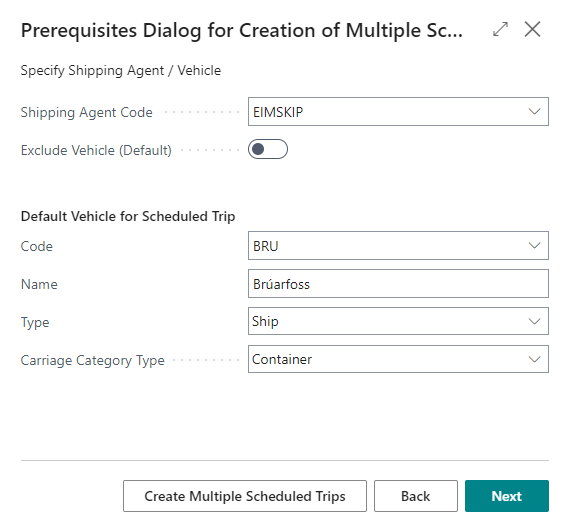
On the second step, the shipping agent and default vehicle are specified.
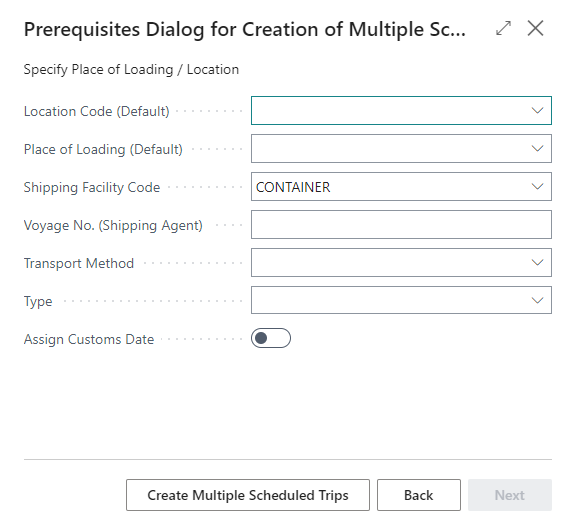
In the third step, more optional elements can be specified for further support to the management on scheduled trips to be created.
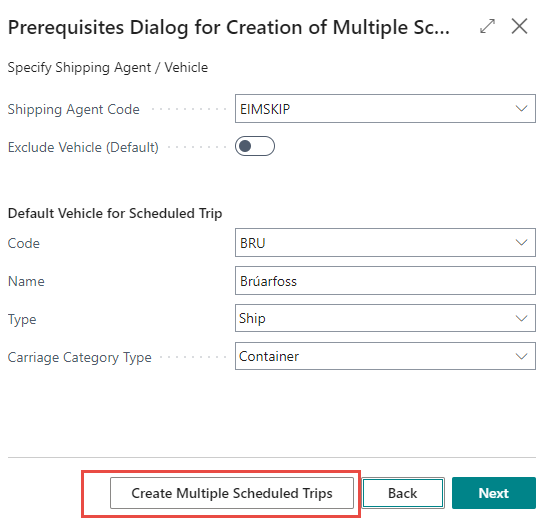
When all pages have been filled out, click on Create Multiple Scheduled Trips.
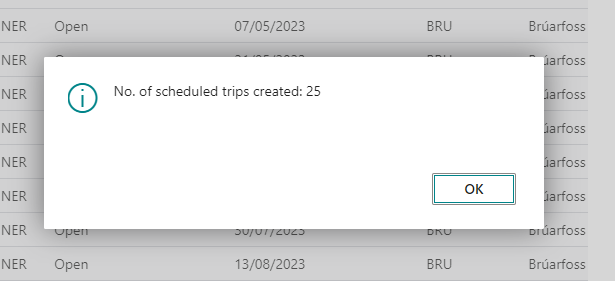
A notification appears, indicating that the action was successful.
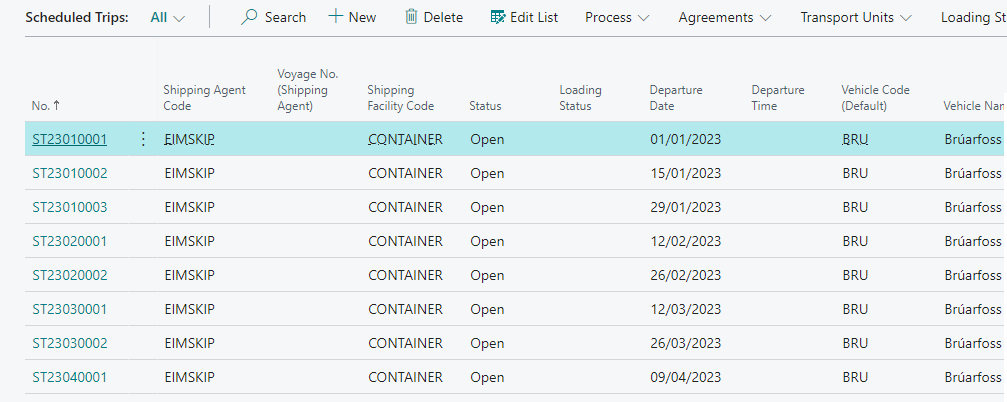
The Trips can then be viewed in the Scheduled Trip List.
The number updates on the home page/role center.
