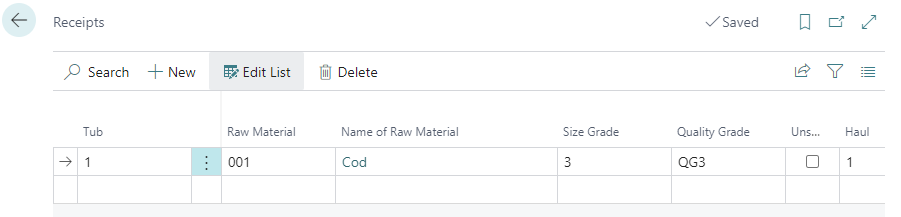
Once the catch has been officially weighed, the Scale Receipts can be compared against the hold card to ensure that all data entered is correct.
-
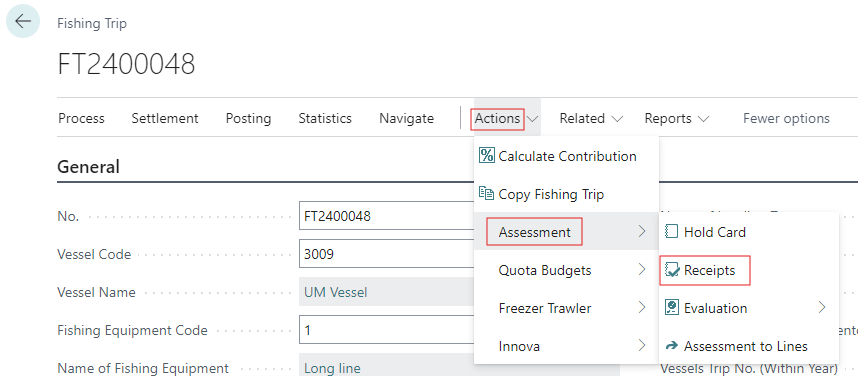
From the Fishing Trip card click Actions > Assessment > Receipts.
-
Choose the Tub and Raw Material Fish Type.
-
Enter the Haul Code and the Number of Tubs filled.
-
Assign a Quality and Size Grade to the hold catch, or indicate that the catch is Unsorted.