
It is possible to link posted credit documents to a futures contract where the status is Activated and/or Finished. The user should not be able to see contracts that do not have this status, where forward rate is 0 and Posted document amount is 0.
Link CFC
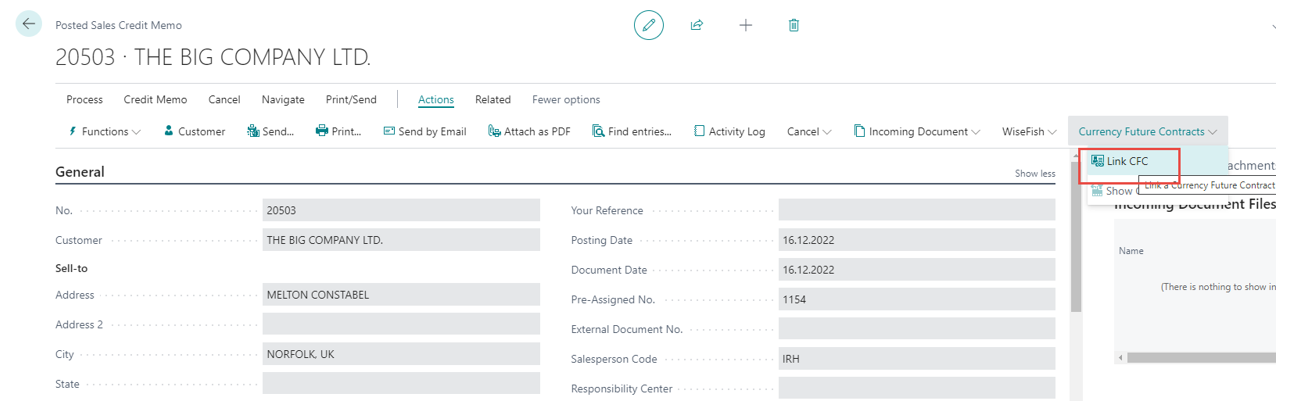
Open the posted credit memo that needs to be linked to a futures contract. Under Actions and Currency Future Contracts click on Link CFC.
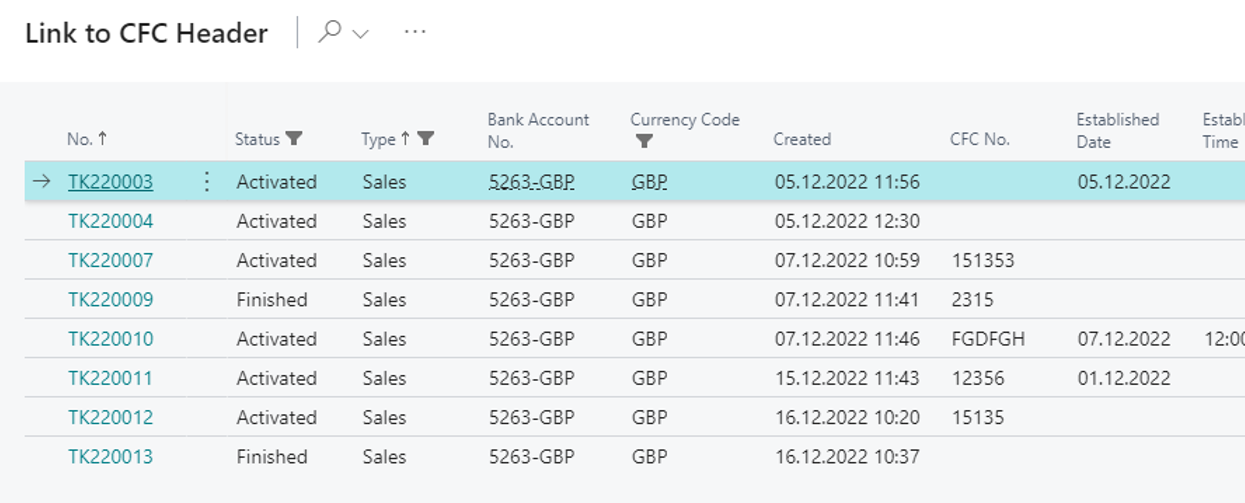
The system filters on all posted invoices with the same Bill-to customer and Currency as on the credit memo. Be careful when selecting the correct futures contract in question. If there is any uncertainty, check the futures contract beforehand. Select the futures contract to link to the credit memo.
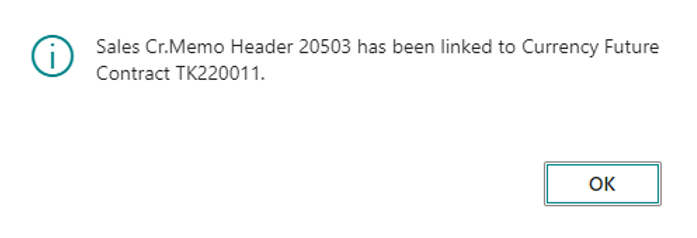
Click on OK.
Now the Credit Memo has been linked to the futures contract and can be found under the Posted Documents tab
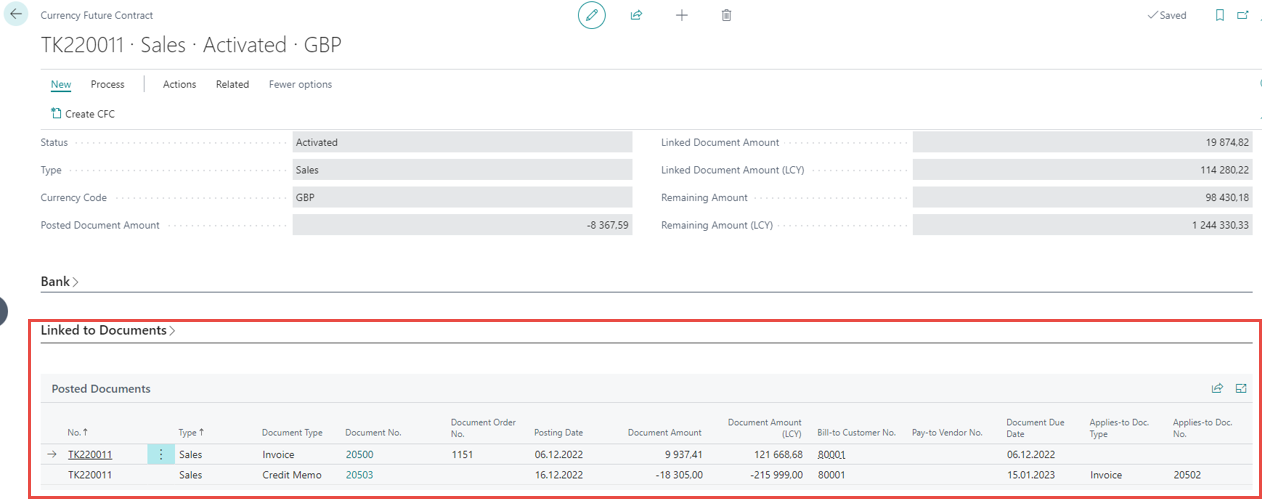
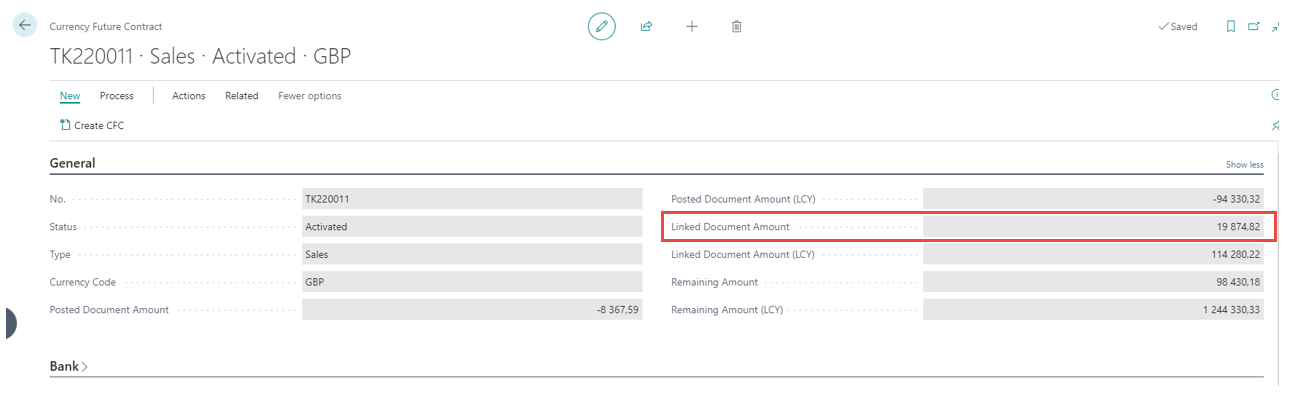
Under the General tab, the Linked Documents Amounts will be applied:
To link a second Credit Memo go through the same steps as shown above. The system notifies the user after selecting the futures contract.
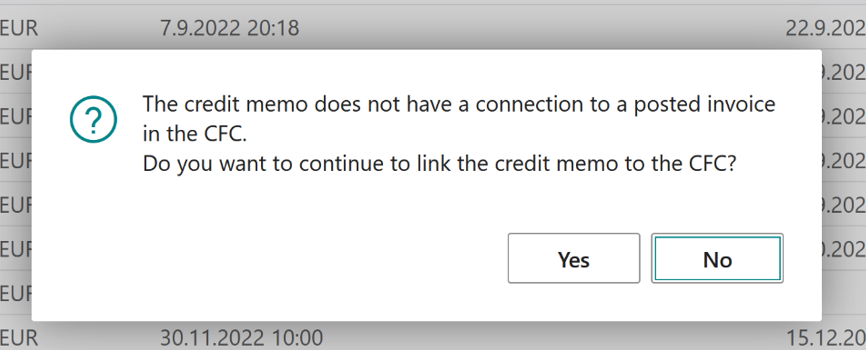
If No is selected, “Link Cancelled” error will appear and the process is stopped.
If Yes is selected, the system notifies the user if there are more or the same number of credit documents and invoices linked to the CFC. If there are more invoices than credit memos the system allows the link to go through.