
If a cancellation reason code is enforced when cancelling a currency future contract, the user must set up Cancel Reason Codes.
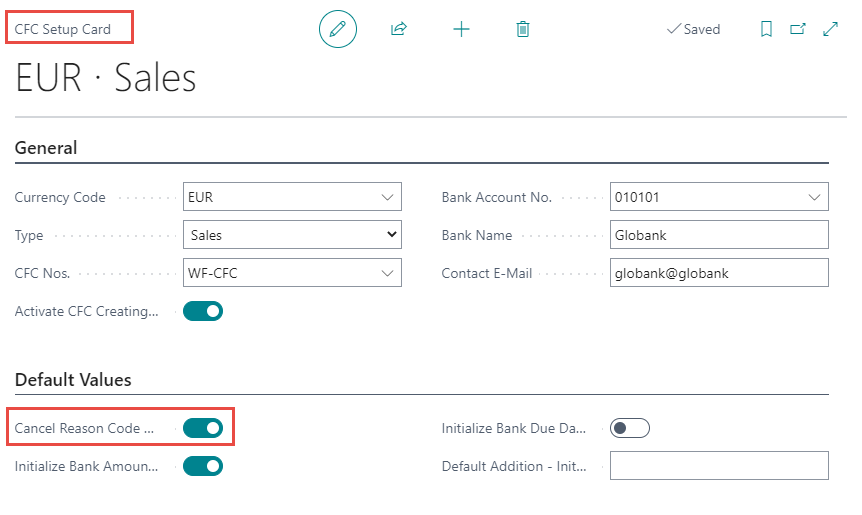
First, make sure that a checkmark has been placed in Cancel Reason Code Mandatory in the CFC Setup if this action should be required.
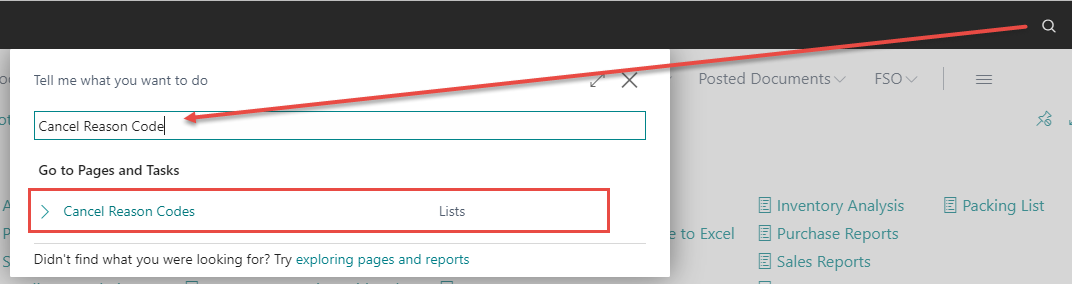
Next, go to the search bar and type Cancel Reason Code. Click on Cancel Reason Codes Lists.
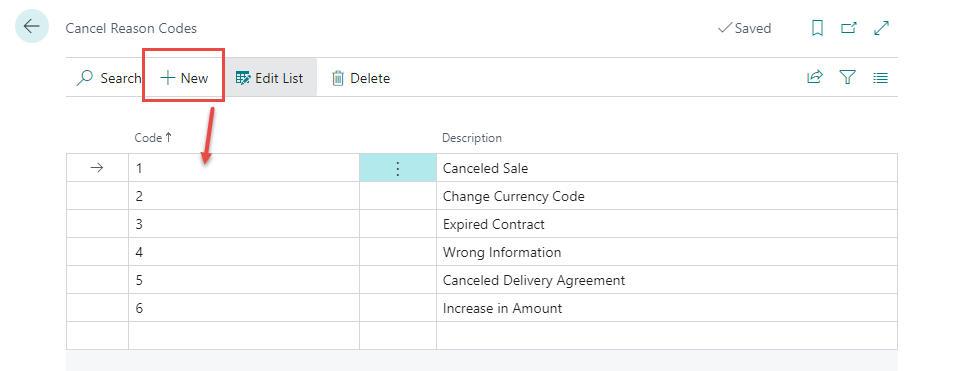
Click on New and insert the Code and Description. Separate cancellation codes can be set up as shown in the example below:
Close the page when done and the setup will be saved automatically.
More information about how contracts are canceled can be found found here.