
There are only a few things required for the Setup of the Wisefish Quality module.
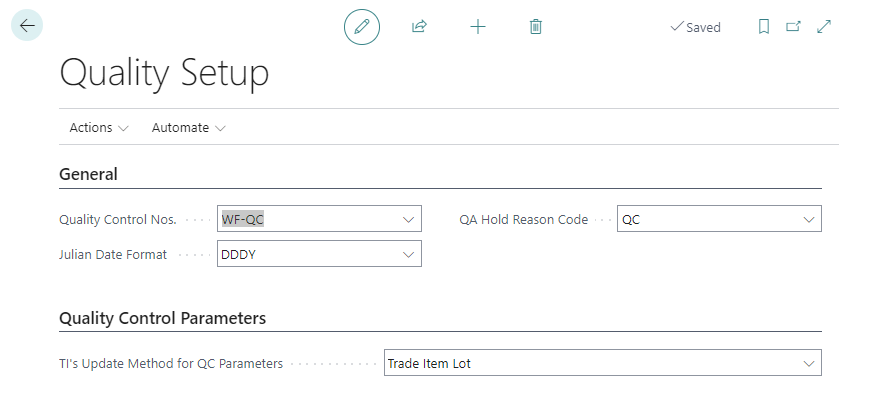
General
The General tab contains the fields that need to be set up to start the reception of trade items into the warehouse:
|
Field |
Description |
|---|---|
|
Quality Control Nos. |
The number series that will be used to assign numbers to the quality registration header. |
|
Julian Date Format |
The format of the julian dates in quality inspections. |
|
QA Hold Reason Code |
The Reason Code to put on Trade Items and Pallets when quality inspections are confirmed. |
|
Qualtity Control Parameters Visible |
Turns on the Quality Control Parameters tab on the Quality Detail card. Enable this before defining Quality Details for Fat %, Size From/To, or Quality Comment |
Quality Control Parameters
|
Field |
Description |
|---|---|
|
TI’s Update Method for QC Parameters |
Specifies the trade item's update method for the "Quality Control Parameters", which are specified on the corresponding "Quality Detail Card". |
uppsetning gæðakerfis færibreytur gæðakerfis