
When producing pallets, they might need to be assigned automatically to a specific Zone and Bin. This page describes how to set this up.
Setup
-
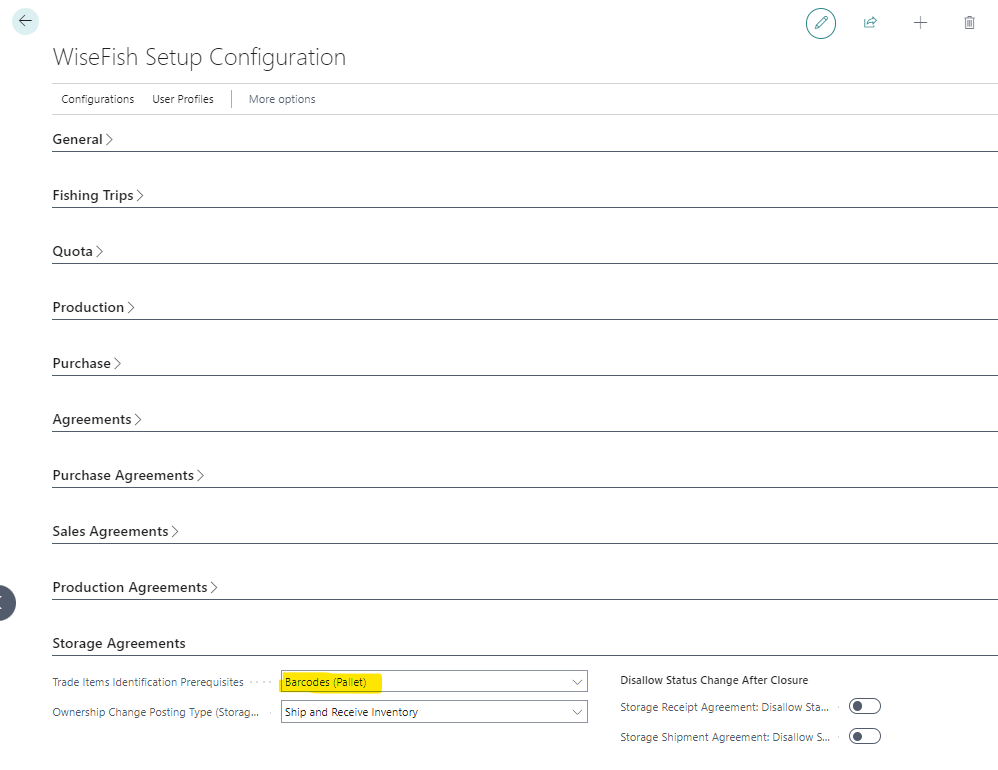
Make sure that on the Wisefish Setup Configuration card, Trade Item Identification Prerequisites has value Barcodes (Pallet).
-
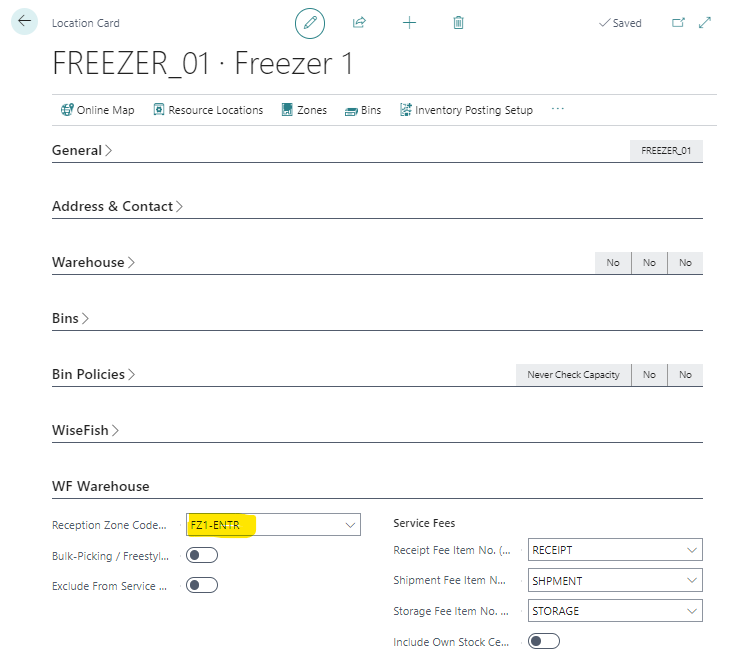
In the setup of the Location Card, for the location where the production takes place, assign the designated Reception Zone Code (Trade Item) on the tab for the warehouse settings:
-
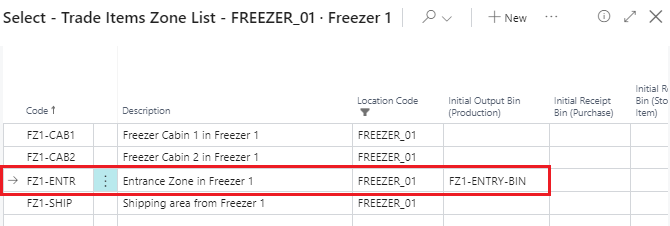
In the configuration of the corresponding reception zone, assign the Initial Output Bin (Production) field with its designated bin:
Functionality
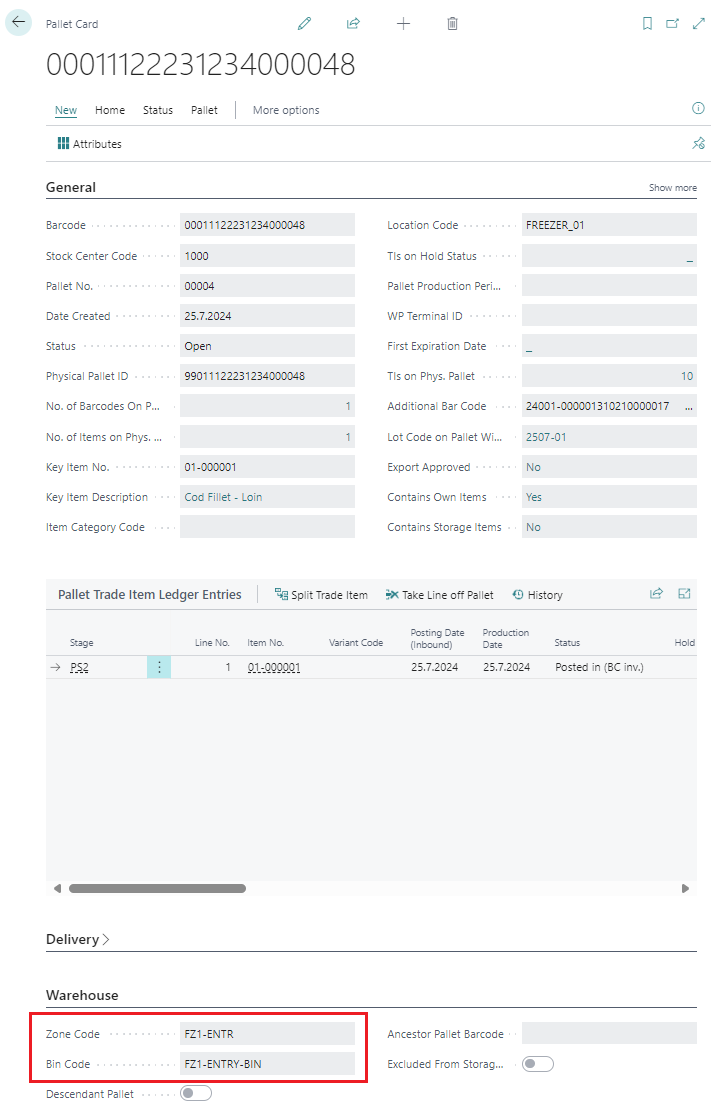
With the settings above, when the user posts a Trade Item Output Journal, with the Pallet Separator field assigned, to the corresponding location…

…the system posts a trade item to a pallet, where fields Zone Code and Bin Code have been assigned with their designated values:
sjálfgefið svæði og hólf í framleiðslu