
Assign Estimated Additional Cost to an Agreement
To assign costs to a Delivery or Receipt Agreement, choose Estimated Additional Sales/Purchase Cost on the agreement's action bar.

The Sales/Purchase Agreement Estimated Additional Cost page opens. If a matching template is set up and template suggestion is turned on, the lines are filled in from the template. Otherwise the page opens with no lines.
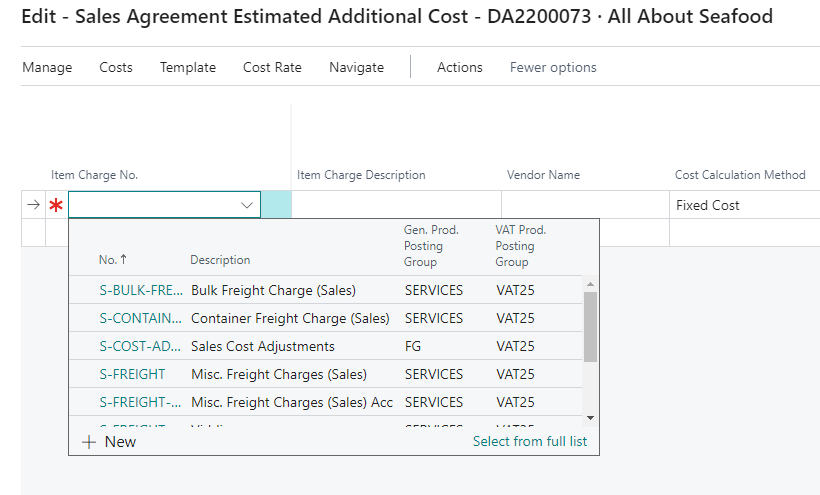
You can enter costs manually. In a new line, select the item charge. Only item charges with the Estimated Cost Type Sales or Both (sales agreements), or Purchase or Both (purchase agreements), can be selected.
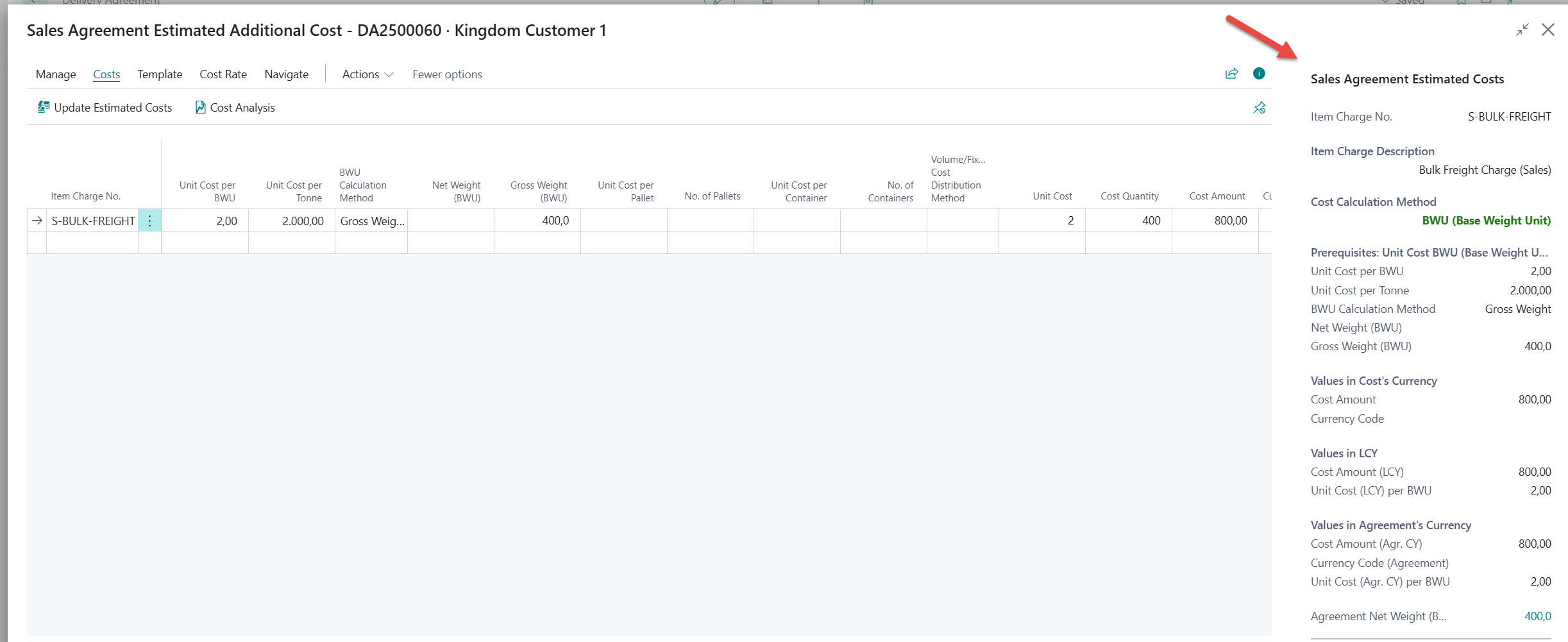
Fill in the remaining fields as necessary. The calculation method and default values come from the item charge. Use the FactBox on the right-hand side for a quick overview of the cost calculations.
Use a registered cost rate
If the item charge uses cost rates, choose Select Cost Rate on the line to pick one of the registered rates. The rate's cost calculation method, currency and rate are copied to the line, and the estimated costs are recalculated. The selected rate is shown in the cost rate FactBox, and Edit Cost Rate opens it. See Using Cost Rates.
Update Estimated Costs
If the quantity or value is changed in the agreement lines after the cost has been registered, the cost lines need to be recalculated.
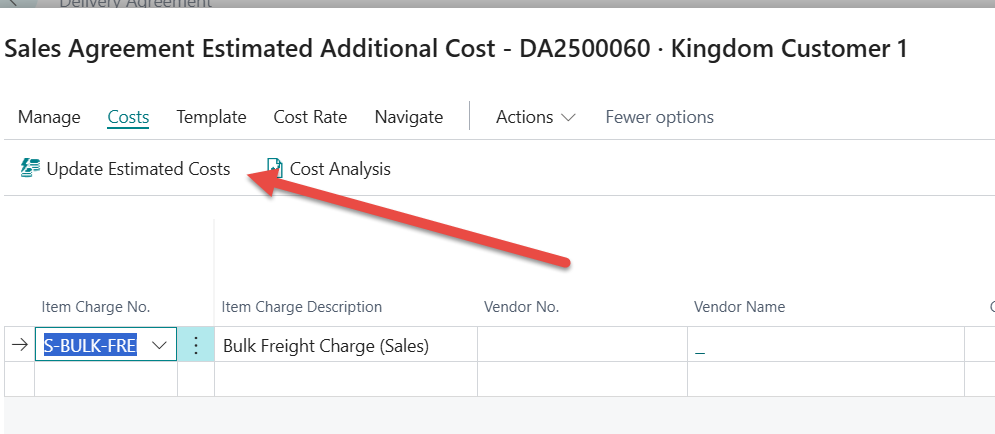
Choose Update Estimated Costs (Ctrl+U). This recalculates the costs on the page for any changes in quantity and value since the costs were last calculated. When the quantity or price in the agreement lines changes, the affected cost lines are shown in red italics, to show that the estimated costs need to be updated.
Review the costs
-
Cost Analysis (F7) shows a statistical breakdown per agreement line: base value, receipt costs and additional costs, with the estimated contribution margin.
-
View Calc. Add. Cost per Line shows how each cost is distributed across the agreement lines.
-
Agreement Cost Prerequisites shows the agreement values the cost calculations are based on.
Set up cost rates or use templates
To simplify entering estimated additional costs, you can set up cost rates, templates, or both. Both are available on the Item Charges page under Estimated Cost.
-
Cost rates: registered rates for an item charge, much like a price list, for example by shipping agent, location or currency. There are general and shipping cost rates. Open them with Estimated Cost > Cost Rate Registration. 📘 See instructions: Using Cost Rates
-
Templates: reusable sets of item charges for customers and vendors. A template can be limited to, for example, a ship-to code, shipment method or country/region. Open the list with Estimated Cost > Estimated Cost Templates. 📘 See instructions: Using Estimated Additional Cost Templates