
To finalize a Storage Shipment Agreement, it must be posted.
Post
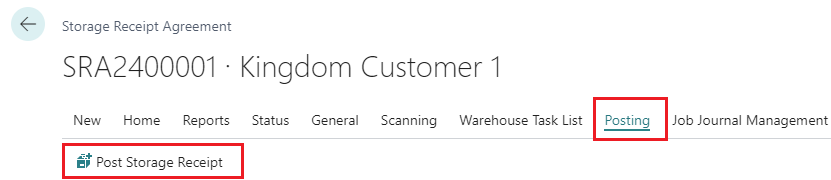
To post, use the action Post Storage Shipment:
-
Click Post Storage Receipt
-
Confirm by clicking Yes
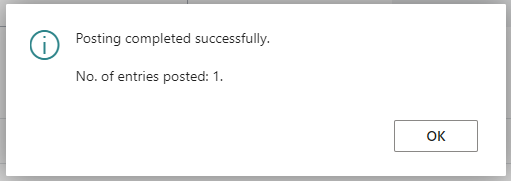
A message will implicate that the posting is finished:
What has happened after a successful posting?
-
For the Storage Shipment Agreement:
-
The Status has become Closed
-
-
The items are no longer in the list Open Trade Items.
-
Trade Item Ledger Entries for the shipped items …
-
have changed Status to Closed, since the items are no longer in the warehouse
-
-
Item Ledger Entries have been created for the shipped items:
-
They have Entry Type = Negative Adjustment
-
Since they are owned by a customer, they have zero in all cost values.
-
View Entries
Item Register
It is always possible to use the standard Item Register to see what was created by a posting method.
View Received Trade Items
From a posted/closed Storage Shipment Agreement it is possible to view the shipped trade items with this action under the Navigate part of the action ribbon:

This will open the Trade Item Ledger Entries which contains all this history of trade item movements.

Bóka geymsluafhendingu