
Add Text from Item Card
Go to the Item Card. Click Related > Item > Extended Text to add text to an item.

A new page opens, click +New to create a new extended text.

Text that is added to items/customer/vendors will also be saved to the list. It is important to have the Description very clear and descriptive. Using the Text type is also useful.
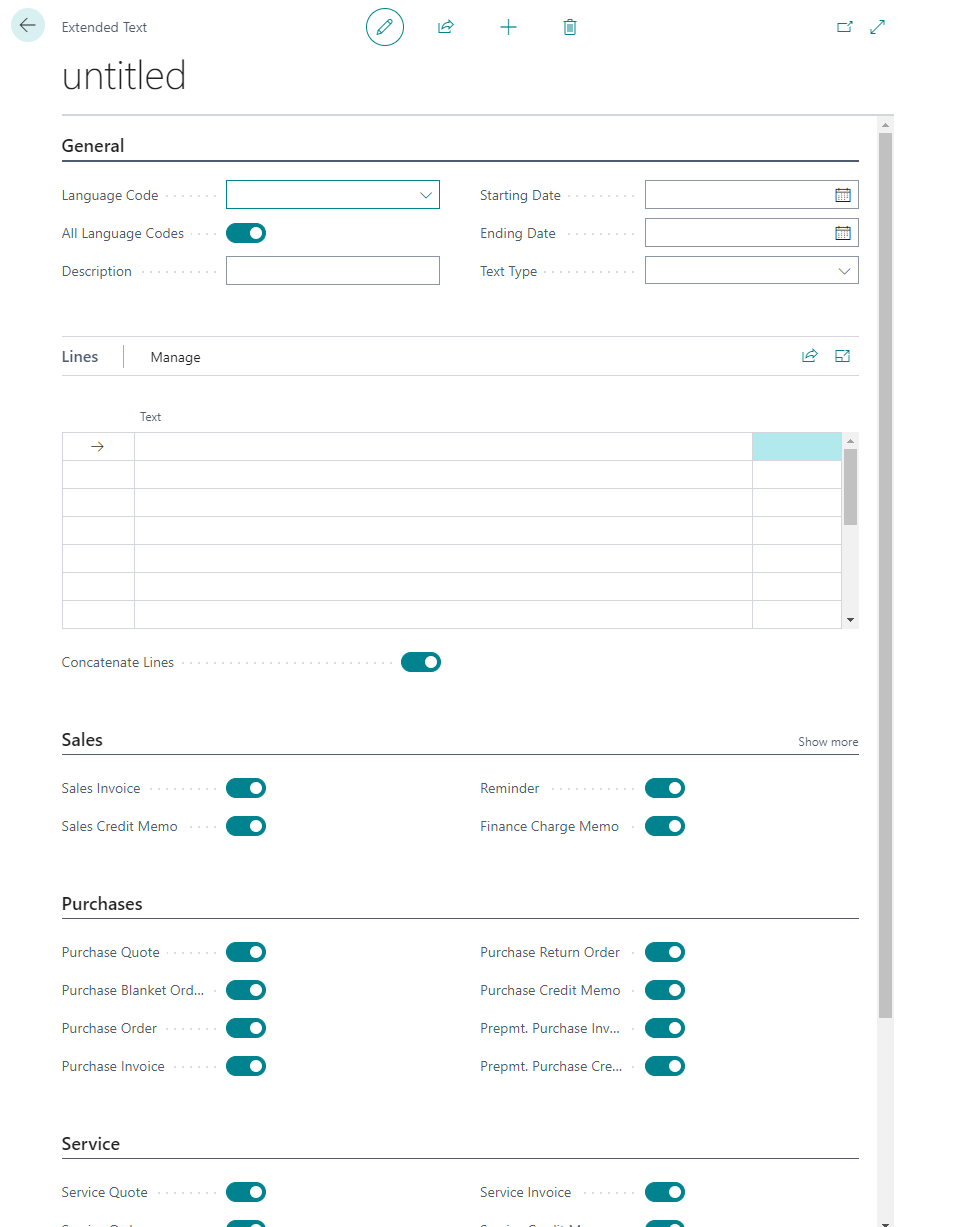
When saved the text is both connected to the Item as well as saved in the Extended Text List.
The text will only automatically appear if the Automatic Ext. Texts field is enabled in the Item Card.

lENGDIR TEXTAR VÖRU